Already received your activation email?
If you haven’t received your activation link or need it sent again, please message us on WhatsApp with your business name and registered email address, and we’ll resend it promptly.
Click to Open WhatsApp
-
How to Activate Your Account
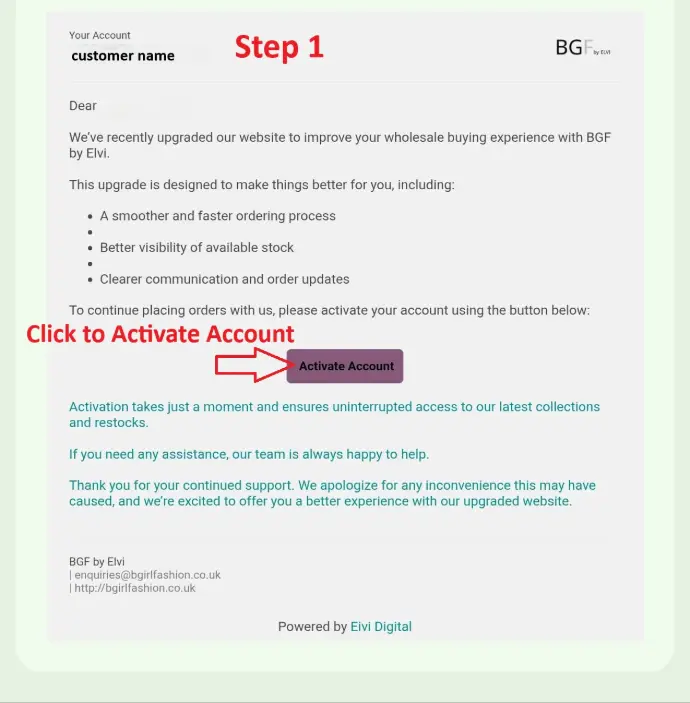
Step 1: Click to Activate
We will send you an activation link by email.
Please check your inbox and open the activation email.
Click the link below to activate your account:
Activate Your Account
This will activate your account and give you full access to all features on the website.
Step 2: Sign Up on the Website
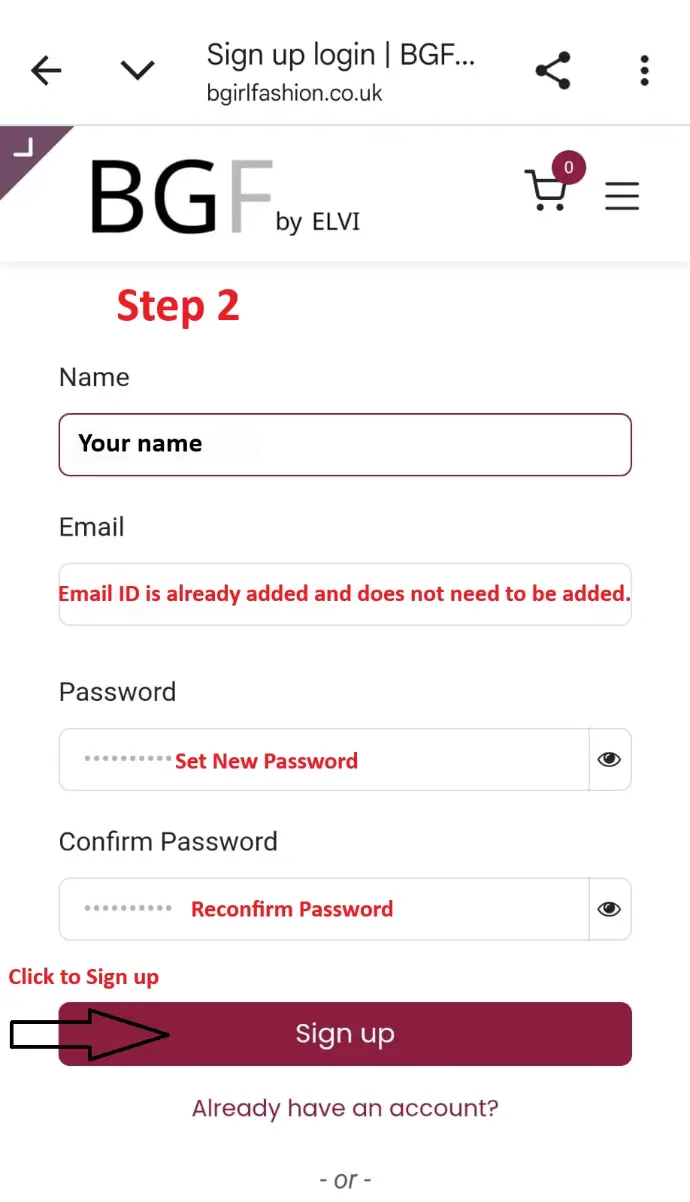
If you haven’t signed up yet, please visit the Sign Up page and complete the registration form:
Enter your Name
Enter your Email Address
Create a Password
Confirm Password
Click the Sign Up button to complete your registration.
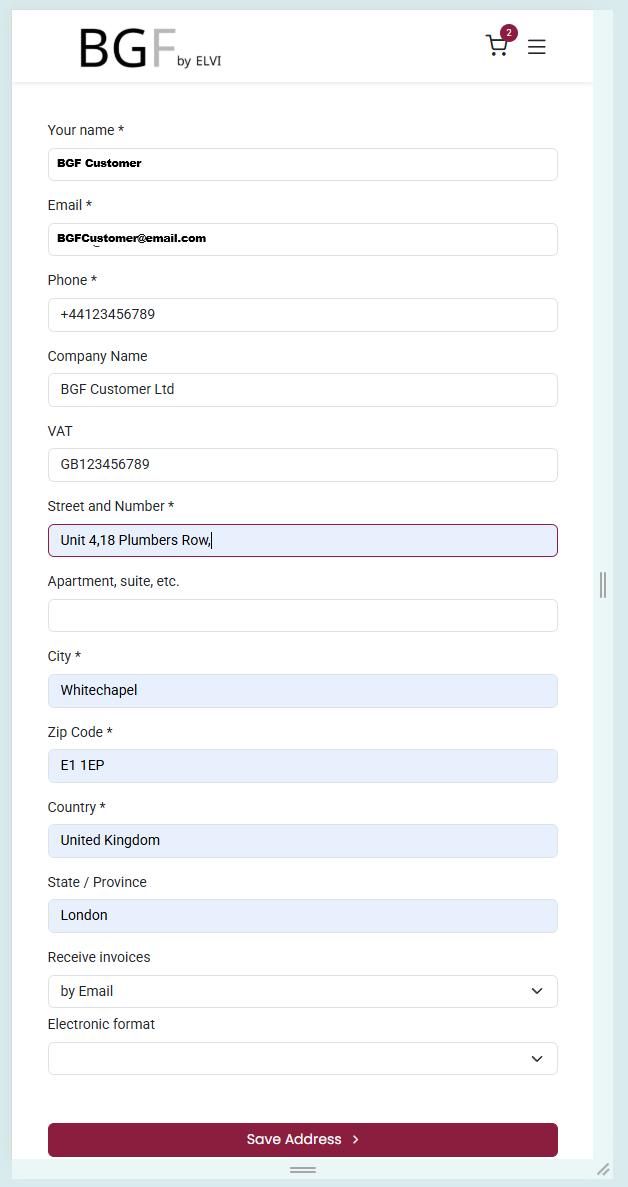
Step 3: Verify Your Address
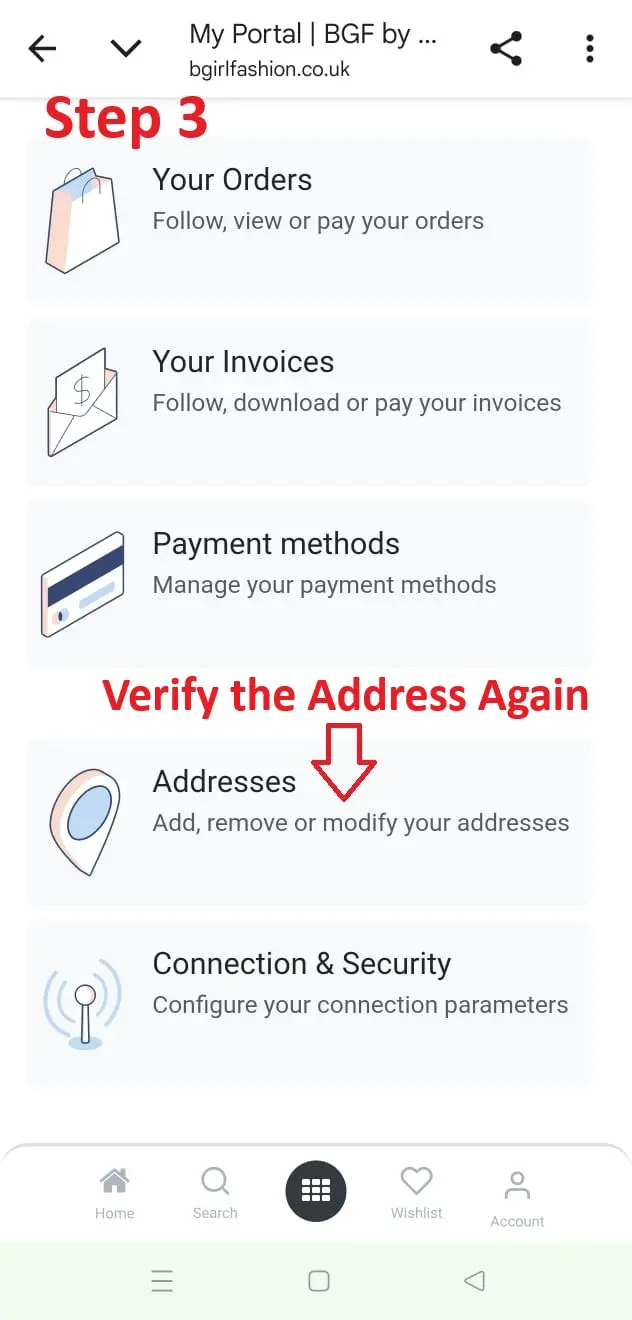
After logging in, go to your My Portal page.
Open the Addresses section
Check that your Delivery Address and Billing Address are correct
You can add, edit, or remove addresses if needed
Update details - Company Name, Delivery Address
Step 4: Start Shopping
You account will be Active !
You can browse all the categories.
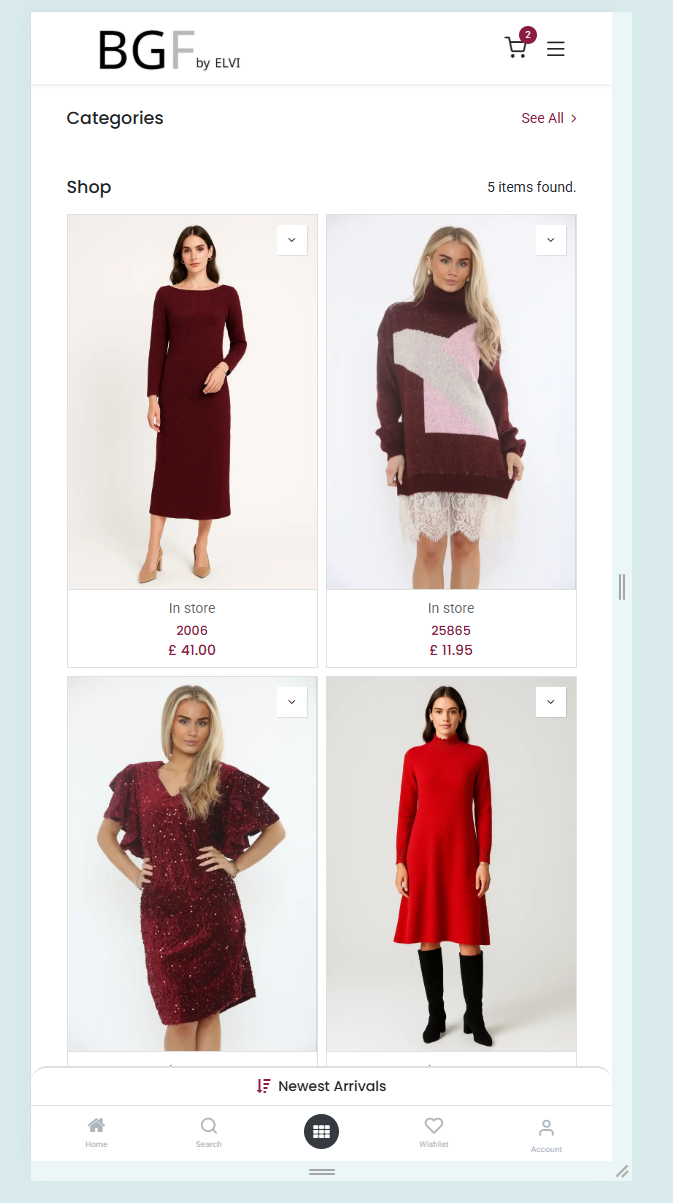
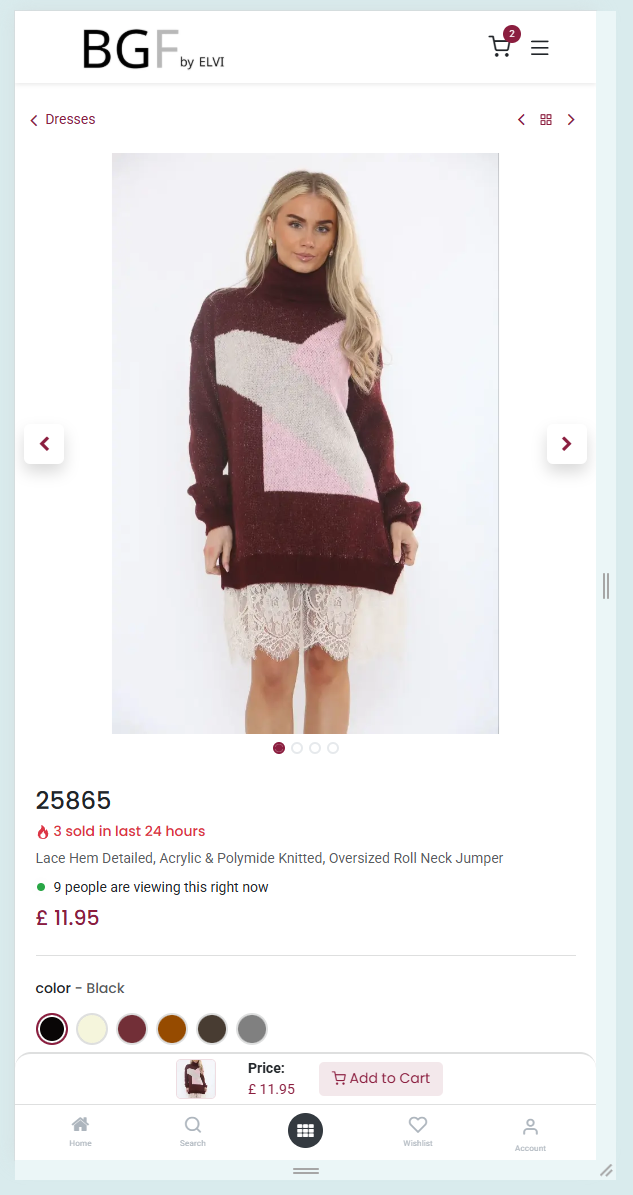
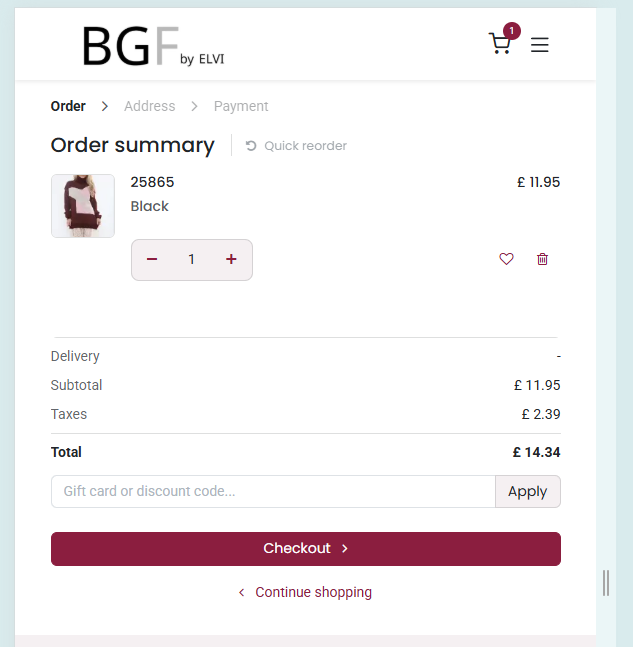
Enjoy exclusive wholesale pricing and the latest women’s fashion collections.